
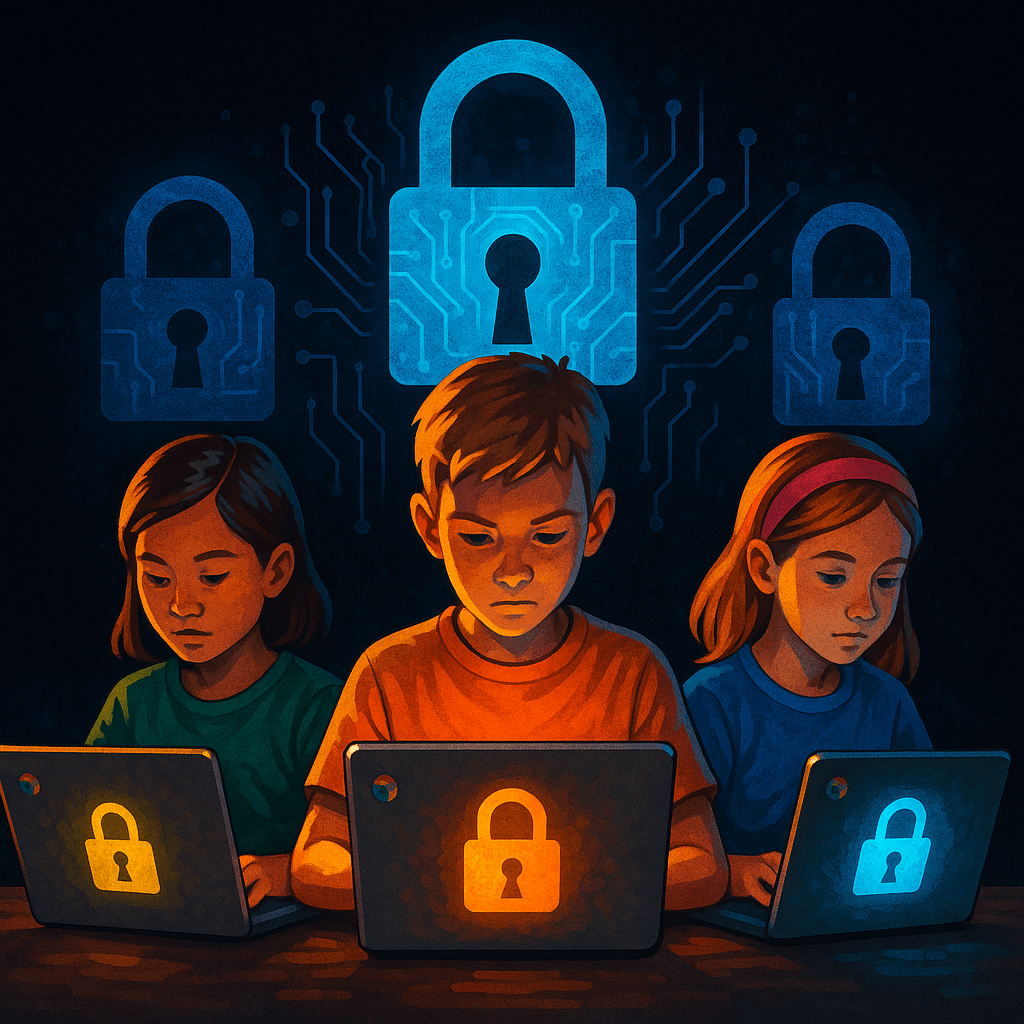
Introduction
As students return to classrooms, K‑K‑2 schools face growing cyber risks. Most districts rely on Chromebooks and Google accounts to support remote and blended learning, but limited IT staffing and budgets make defending these networks difficult. Attackers know this and increasingly target schools with ransomware, account takeovers and data theft【388377501043756†L190-L333】.
Unique Challenges
- Device diversity: Schools often support a mix of Chromebooks, Windows PCs, tablets and personal devices. Maintaining consistent security across such diverse endpoints is challenging【388377501043756†L190-L333】.
- Google account dependence: Many schools issue students and staff Google Workspace accounts. Passwords are often weak and shared across services, and multi‑factor authentication is rarely enforced【388377501043756†L190-L333】.
- High‑trust environment: Teachers and administrators must share information quickly. Permissions are broad, making it easier for attackers to pivot once inside the network【388377501043756†L190-L333】.
- Resource constraints: Districts typically have small IT teams and limited budgets for security tools, leaving gaps in monitoring, patch management and training【388377501043756†L190-L333】.
Attack Vectors
Threat actors commonly exploit:
- Phishing emails that trick staff and students into revealing passwords or clicking malware.
- Compromised Google accounts used to access sensitive student records and distribute malicious files.
- Ransomware attacks that encrypt school servers and demand payment.
- Supply‑chain attacks on education software providers.
Defensive Strategies
K‑K‑2 organizations can strengthen their defenses even with limited resources:
- Enforce strong passwords and password managers for all Google Workspace accounts.
- Enable multi‑factor authentication (MFA) for staff and students wherever possible; CISA lists MFA as a top recommendation for schools【350170968623153†L215-L246】.
- Use centralized management tools (like Google Admin Console and Mobile Device Management) to enforce security policies on Chromebooks and other devices.
- Segment networks to separate student devices from critical servers and administrative systems.
- Keep systems and applications patched; schedule regular updates for Chromebooks, browsers and learning apps.
- Conduct phishing simulations and regular security awareness training for teachers, administrators and students.
- Maintain off‑site backups of student records and critical data and test recovery plans regularly【350170968623153†L215-L246】.
- Leverage free resources, such as CISA’s K‑1K‑2 cybersecurity services, to perform vulnerability assessments and get incident response support【350170968623153†L215-L246】.
Conclusion
K-12 schools will remain attractive targets as long as they hold sensitive data and rely on low-cost cloud tools. Building strong cyber hygiene with limited budgets requires creativity and community support. By adopting strong passwords, enforcing MFA, segmenting networks and training users, schools can significantly reduce the risk of disruptive attacks. Collaboration between districts, government agencies and vendors is essential to protecting students and keeping classrooms running.
Sources
- Plurilock – Learning Technology in K-12 Schools Poses Unique 【388377501043756†L190-L333】.Cybersecurity Challenges
- K-2 Schools Face Unique Cybersecurity Challenges【388377501043756†L190-L333】
- CISA: Protecting Our Future – Cybersecurity for K‑1K‑2【350170968623153†L215-L246】.
 redsec.ninja
Leave a comment